Keep every environment named and ready
Maintain hosts entries with comments so client context stays organized, ready for the next switch.
The job is the same: activate the right entries, apply them, then flush DNS. See the two approaches side by side.
sudo, Permissions, blocks to comment out, DNS caches to flush: the same steps come back every time you switch. ToggleHosts brings them together in one place.
Maintain hosts entries with comments so client context stays organized, ready for the next switch.
Move between local, staging, prod, or client setups without rewriting blocks of lines.
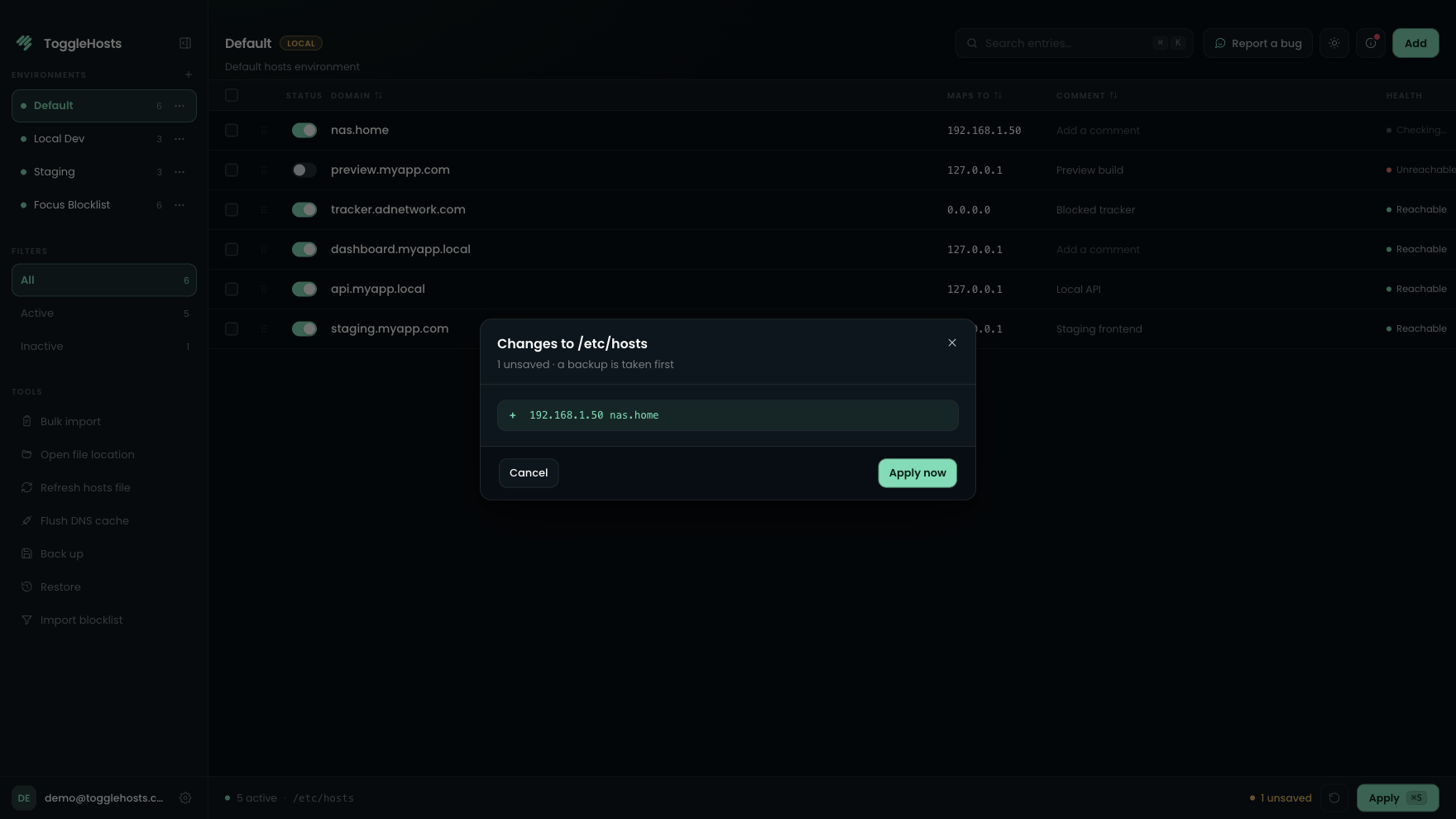
A snapshot is created before changes land, so rollback is always one click away.
Keep entries tidy and structured visually.
Search and filter across large hosts files with zero latency.
ToggleHosts helps you move between contexts with named environments, a backup before every apply, and DNS flushing. It works on Windows, macOS, and Linux.
Comparison based on the most common free alternatives in June 2026.
Shortcuts to move faster and safeguards for every apply.
Every feature, side by side. Licenses differ only in devices, team tools, and support tier.
All core capabilities of ToggleHosts are included in every license. No artificial feature gating.
1 machine
Included
License & scale
| Features | Solo License1 machine4.99 €one-time payment (1 yr updates) | −10% Dual License2 machines8.99 €one-time payment (1 yr updates) | Team License2+ seats15.00 €/ seat · 2+ seats |
|---|---|---|---|
| License & scale | |||
| Devices | 1 | 2 | 1 / seat |
| License | Lifetime (1 yr updates) | Lifetime (1 yr updates) | Lifetime (1 yr updates) |
| Release / change device | |||
| Admin dashboard & seat management | – | – | |
| Export members (CSV) | – | – | |
| CLI | – | – | |
| Support | Priority | ||
Switch environments in seconds, zero typos, automated DNS flush. Perpetual license with 1 year of updates included.
It depends how often you switch environments. People who juggle clients or staging setups usually replace a multi-step terminal ritual with a short, repeatable apply. Fewer mistakes, less DNS debugging.
ToggleHosts is a visual hosts file manager. Instead of juggling sudo, comment blocks, and hidden typos between environments, you get named setups, controlled applies, backups, and DNS tools in one place.
Free tools often stop at basic editing. ToggleHosts adds named environments, automatic DNS flush, IP validation, backups, and a consistent app across Windows, macOS, and Linux, for a single one-time purchase with no subscription.
It is a one-time purchase. You pay once for your perpetual license (keep your version for life), with 1 year of updates included. No recurring subscription or hidden fees.
Yes. ToggleHosts creates a backup before applying changes, so you can restore your hosts file quickly if needed.
Unlimited. ToggleHosts stays fast with instant search, whether you have 10 lines or 1000+.
Yes. One click runs the correct DNS flush commands for your operating system, so changes take effect without manual steps.
ToggleHosts is a native desktop app for Windows, macOS, and Linux. After purchase, you receive download links for all supported platforms.
A Solo license binds to one machine at a time. Use Change computer in Account (email code) when you replace hardware, limited to prevent sharing. Dual covers two machines for one person on the same email. For more devices or teammates, buy a Team license (2+ seats). Team admins can also release a device from the Team dashboard.
All licenses include email support, plus documentation for common workflows and troubleshooting.
Practical guides for understanding your hosts file and solving the problems you run into in local development.
How to Flush DNS Cache on Windows, macOS & Linux (2026)Flushing DNS & cache
8 min read
Gas Mask Alternatives in 2026 (Mac Hosts File Managers)Comparisons & tools
4 min read
iHosts Alternatives in 2026 (Mac Hosts File Managers)Comparisons & tools
3 min read